
🔥 google-research/timesfm
TimesFM (Time Series Foundation Model) is a pretrained time-series foundation model developed by Google Research for time-series forecasting. — Trending on GitHub today with 366 new stars.
TimesFM (Time Series Foundation Model) is a pretrained time-series foundation model developed by Google Research for time-series forecasting.
-
Paper: A decoder-only foundation model for time-series forecasting, ICML 2024.
-
All checkpoints: TimesFM Hugging Face Collection.
-
Google Research blog.
-
TimesFM in BigQuery: an official Google product.
This open version is not an officially supported Google product.
Latest Model Version: TimesFM 2.5
Archived Model Versions:
- 1.0 and 2.0: relevant code archived in the sub directory v1. You can pip install timesfm==1.3.0 to install an older version of this package to load them.
Update - Oct. 29, 2025
Added back the covariate support through XReg for TimesFM 2.5.
Update - Sept. 15, 2025
TimesFM 2.5 is out!
Comparing to TimesFM 2.0, this new 2.5 model:
-
uses 200M parameters, down from 500M.
-
supports up to 16k context length, up from 2048.
-
supports continuous quantile forecast up to 1k horizon via an optional 30M quantile head.
-
gets rid of the frequency indicator.
-
has a couple of new forecasting flags.
Along with the model upgrade we have also upgraded the inference API. This repo will be under construction over the next few weeks to
-
add support for an upcoming Flax version of the model (faster inference).
-
add back covariate support.
-
populate more docstrings, docs and notebook.
Install
- Clone the repository:
git clone https://github.com/google-research/timesfm.git cd timesfm
- Create a virtual environment and install dependencies using uv:
Create a virtual environment
uv venv
Activate the environment
source .venv/bin/activate
Install the package in editable mode with torch
uv pip install -e .[torch]
Or with flax
uv pip install -e .[flax]
Or XReg is needed
uv pip install -e .[xreg]
-
[Optional] Install your preferred torch / jax backend based on your OS and accelerators (CPU, GPU, TPU or Apple Silicon).:
-
Install PyTorch.
-
Install Jax for Flax.
Code Example
import torch import numpy as np import timesfmimport torch import numpy as np import timesfmtorch.set_float32_matmul_precision("high")
model = timesfm.TimesFM_2p5_200M_torch.from_pretrained("google/timesfm-2.5-200m-pytorch")
model.compile( timesfm.ForecastConfig( max_context=1024, max_horizon=256, normalize_inputs=True, use_continuous_quantile_head=True, force_flip_invariance=True, infer_is_positive=True, fix_quantile_crossing=True, ) ) point_forecast, quantile_forecast = model.forecast( horizon=12, inputs=[ np.linspace(0, 1, 100), np.sin(np.linspace(0, 20, 67)), ], # Two dummy inputs ) point_forecast.shape # (2, 12) quantile_forecast.shape # (2, 12, 10): mean, then 10th to 90th quantiles.`
Sign in to highlight and annotate this article

Conversation starters
Daily AI Digest
Get the top 5 AI stories delivered to your inbox every morning.
More about
githubtrendingopen-source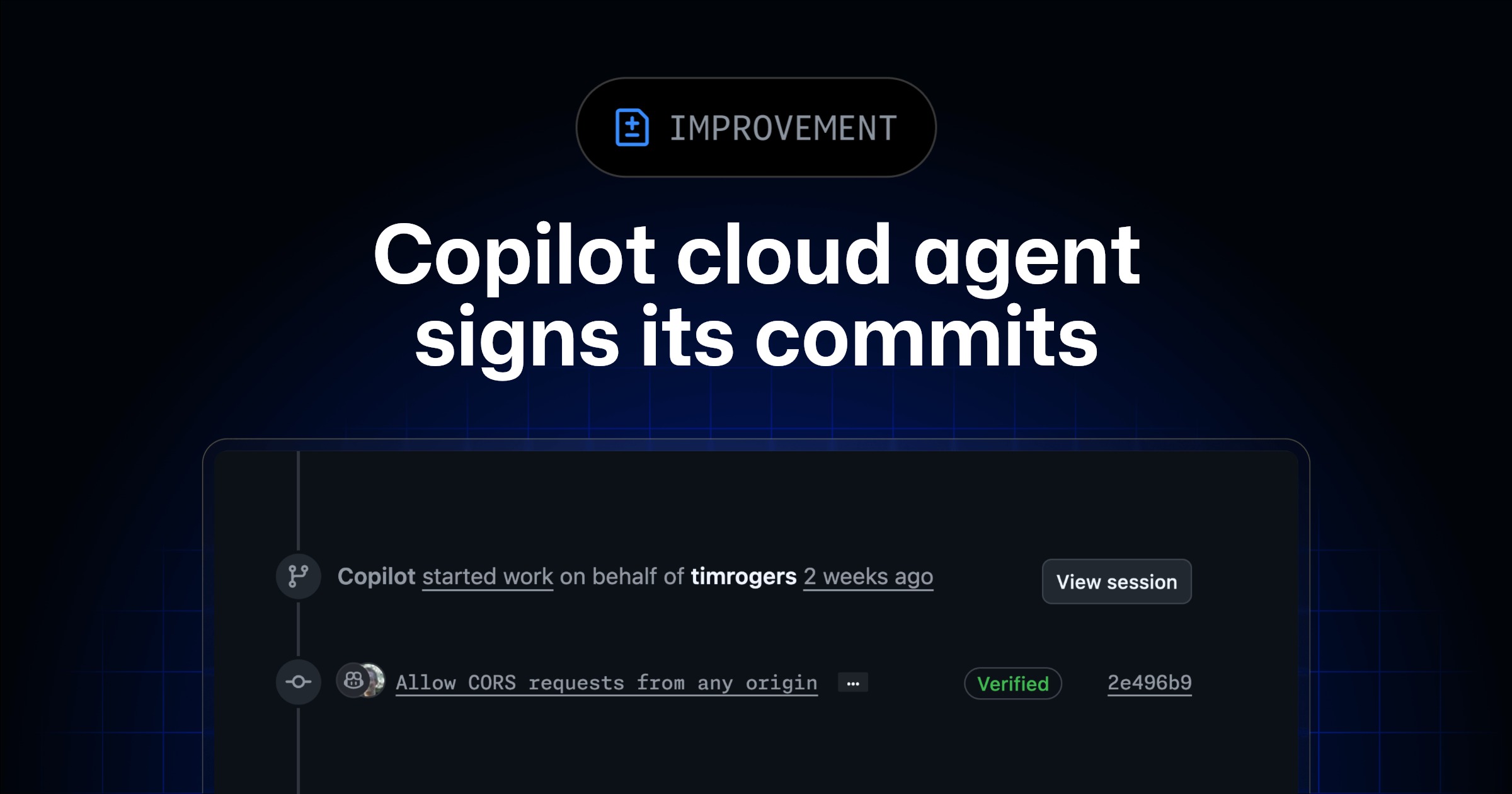
Copilot cloud agent signs its commits
Copilot cloud agent now signs every commit it makes. Signed commits appear as Verified on GitHub, giving you confidence that the commit was genuinely made by the agent and hasn t The post Copilot cloud agent signs its commits appeared first on The GitHub Blog .

VRAM optimization for gemma 4
TLDR: add -np 1 to your llama.cpp launch command if you are the only user, cuts SWA cache VRAM by 3x instantly So I was messing around with Gemma 4 and noticed the dense model hogs a massive chunk of VRAM before you even start generating anything. If you are on 16GB you might be hitting OOM and wondering why. The culprit is the SWA (Sliding Window Attention) KV cache. It allocates in F16 and does not get quantized like the rest of the KV cache. A couple days ago ggerganov merged a PR that accidentally made this worse by keeping the SWA portion unquantized even when you have KV cache quantization enabled. It got reverted about 2 hours later here https://github.com/ggml-org/llama.cpp/pull/21332 so make sure you are on a recent build. A few things that actually help with VRAM: The SWA cache s

Knowledge Map
Connected Articles — Knowledge Graph
This article is connected to other articles through shared AI topics and tags.
More in Open Source AI
VRAM optimization for gemma 4
TLDR: add -np 1 to your llama.cpp launch command if you are the only user, cuts SWA cache VRAM by 3x instantly So I was messing around with Gemma 4 and noticed the dense model hogs a massive chunk of VRAM before you even start generating anything. If you are on 16GB you might be hitting OOM and wondering why. The culprit is the SWA (Sliding Window Attention) KV cache. It allocates in F16 and does not get quantized like the rest of the KV cache. A couple days ago ggerganov merged a PR that accidentally made this worse by keeping the SWA portion unquantized even when you have KV cache quantization enabled. It got reverted about 2 hours later here https://github.com/ggml-org/llama.cpp/pull/21332 so make sure you are on a recent build. A few things that actually help with VRAM: The SWA cache s

🔥 sponsors/LearningCircuit
Local Deep Research achieves ~95% on SimpleQA benchmark (tested with GPT-4.1-mini). Supports local and cloud LLMs (Ollama, Google, Anthropic, ...). Searches 10+ sources - arXiv, PubMed, web, and your private documents. Everything Local & Encrypted. — Trending on GitHub today with 13 new stars.
Discussion
Sign in to join the discussion
No comments yet — be the first to share your thoughts!