
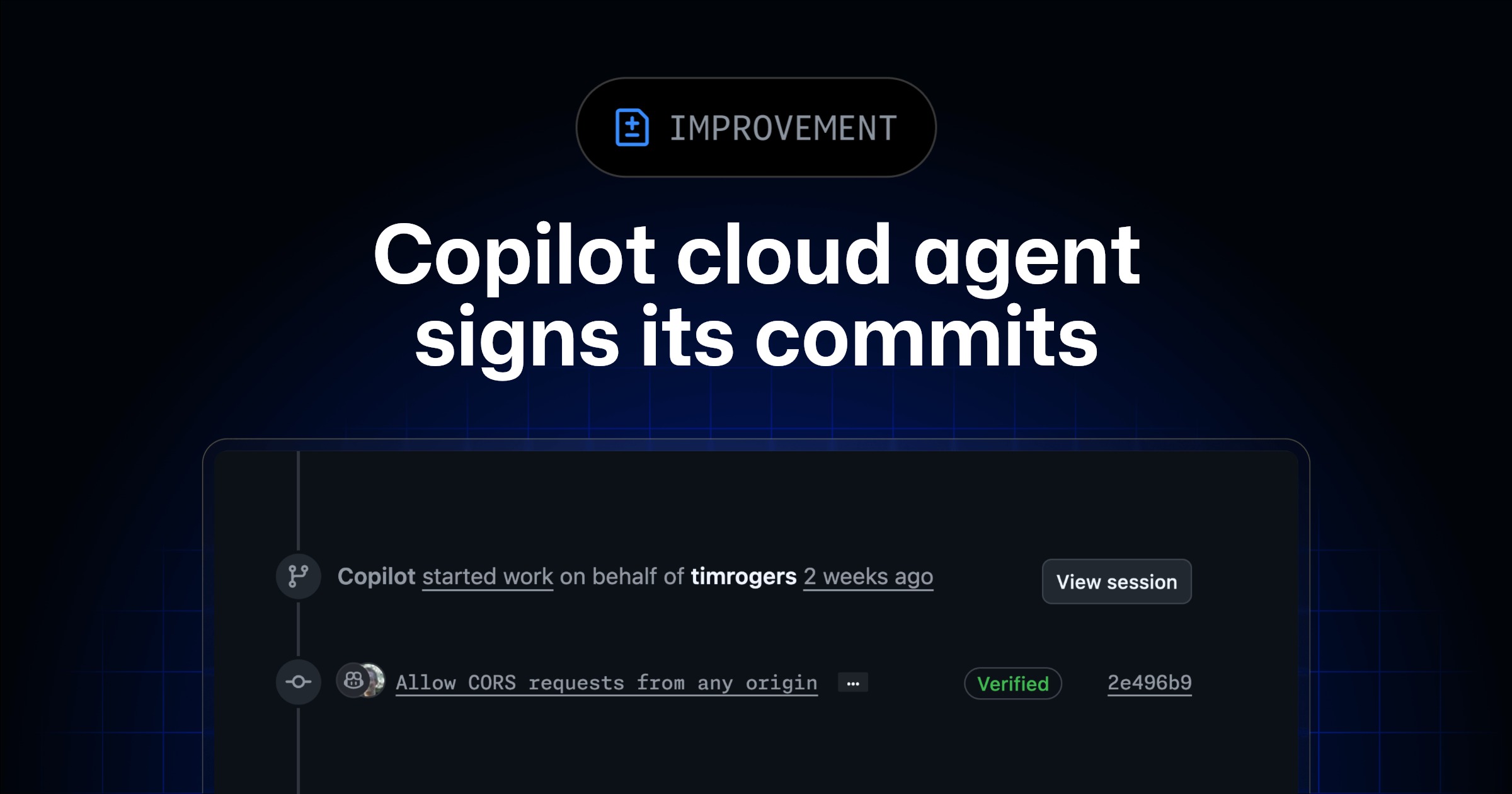
Copilot cloud agent signs its commits
Hi there, little explorer! 👋
Imagine you have a super-duper helper robot named Copilot! 🤖
Copilot loves to build things, like making new toys or drawing pictures. When Copilot finishes a drawing, it now puts its special secret signature on it, like a little "Copilot was here!" stamp. ✨
This stamp is like a magic verification sticker. It tells everyone, "Yep, this drawing really came from Copilot, and nobody changed it!" 🎨
Before, some special toy boxes only let drawings with these stickers inside. Now, Copilot can put its sticker on all its drawings, so it can help build even more cool things for everyone! Yay, Copilot! 🎉
Copilot cloud agent now signs every commit it makes. Signed commits appear as Verified on GitHub, giving you confidence that the commit was genuinely made by the agent and hasn t The post Copilot cloud agent signs its commits appeared first on The GitHub Blog .
Copilot cloud agent now signs every commit it makes. Signed commits appear as Verified on GitHub, giving you confidence that the commit was genuinely made by the agent and hasn’t been tampered with.
This means that Copilot cloud agent now works in repositories with the “Require signed commits” branch protection rule or ruleset enabled. Previously, this was one of the rules that the agent couldn’t comply with, which blocked it entirely from being used in those repositories.
To learn more about Copilot cloud agent, head to “About Copilot cloud agent” in the documentation.
Subscribe to our developer newsletter
Discover tips, technical guides, and best practices in our biweekly newsletter just for devs.
Back to top
GitHub Copilot Changelog
https://github.blog/changelog/2026-04-03-copilot-cloud-agent-signs-its-commitsSign in to highlight and annotate this article

Conversation starters
Daily AI Digest
Get the top 5 AI stories delivered to your inbox every morning.
More about
copilotagentgithub
Show HN: md-redline - inline review comments for markdown, readable by AI agents
As a PM, I never write specs or stories anymore. AI generates, I review/provide feedback, AI updates, then I handover to devs (human or agents) to implement. But the feedback loop is clunky: difficult to read raw markdown files, annotate, and iterate. md-redline lets you open a markdown file, highlight rendered text, and leave inline comments. The comments are stored as HTML markers directly in the .md file. They're invisible in GitHub and VS Code preview but agents can read them with a plain file read. The workflow: open a spec, leave feedback, copy the hand-off prompt, paste it into your agent. The agent edits the file, addresses the comments, and removes the markers. You review in diff view. Runs locally. No account, no cloud, no database. The markdown file stays the source of truth. np


Knowledge Map
Connected Articles — Knowledge Graph
This article is connected to other articles through shared AI topics and tags.
More in Products

OntoKG: Ontology-Oriented Knowledge Graph Construction with Intrinsic-Relational Routing
arXiv:2604.02618v1 Announce Type: new Abstract: Organizing a large-scale knowledge graph into a typed property graph requires structural decisions -- which entities become nodes, which properties become edges, and what schema governs these choices. Existing approaches embed these decisions in pipeline code or extract relations ad hoc, producing schemas that are tightly coupled to their construction process and difficult to reuse for downstream ontology-level tasks. We present an ontology-oriented approach in which the schema is designed from the outset for ontology analysis, entity disambiguation, domain customization, and LLM-guided extraction -- not merely as a byproduct of graph building. The core mechanism is intrinsic-relational routing, which classifies every property as either intri


Discussion
Sign in to join the discussion
No comments yet — be the first to share your thoughts!