
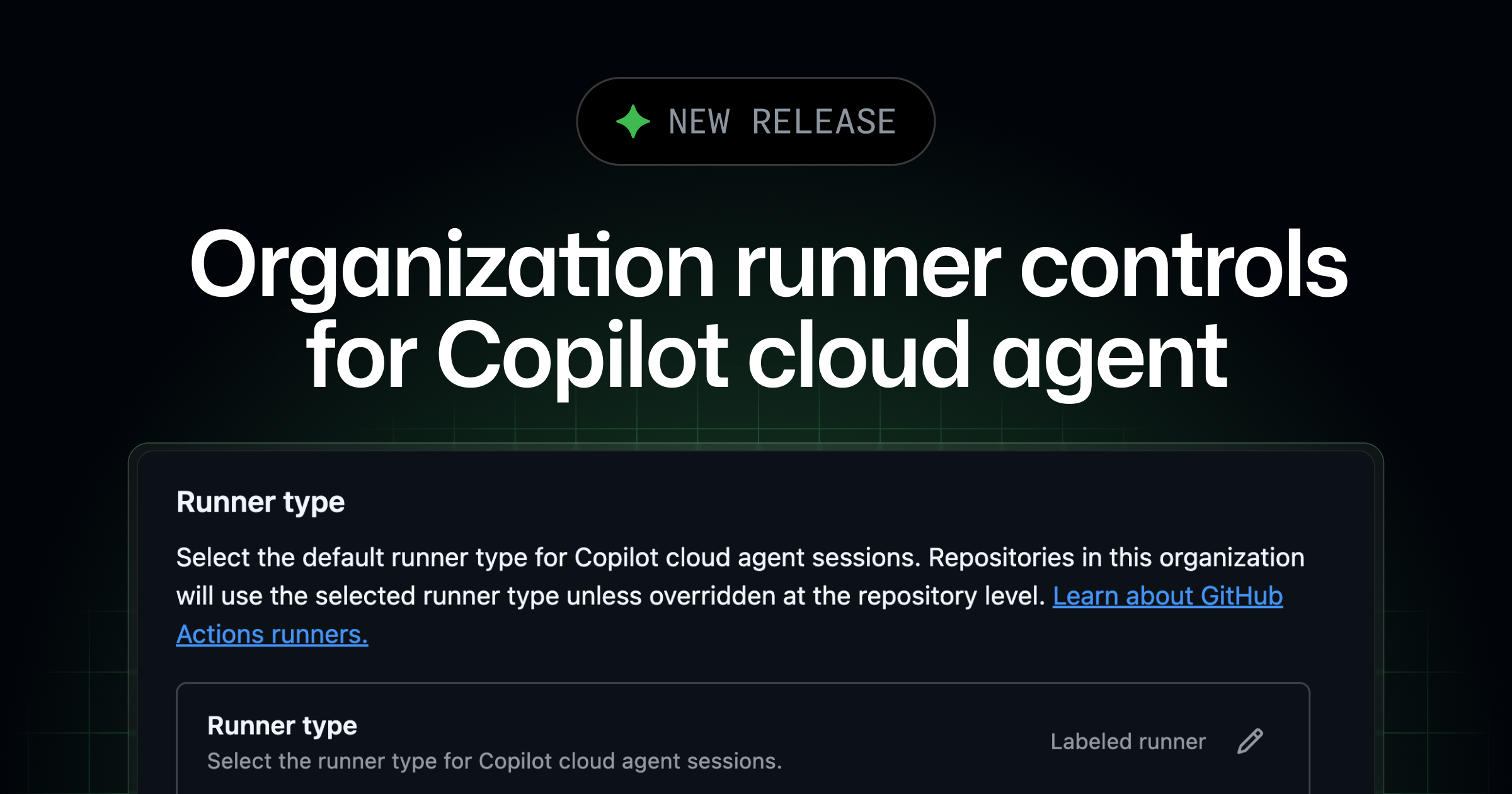
Organization runner controls for Copilot cloud agent
Each time Copilot cloud agent works on a task, it starts a new development environment powered by GitHub Actions. By default, this runs on a standard GitHub-hosted runner, but teams The post Organization runner controls for Copilot cloud agent appeared first on The GitHub Blog .
Each time Copilot cloud agent works on a task, it starts a new development environment powered by GitHub Actions.
By default, this runs on a standard GitHub-hosted runner, but teams can also customize the agent environment to use large runners or self-hosted runners for faster performance, access to internal resources, and more.
Until now, the runner was configured at the repository level with a copilot-setup-steps.yml file. This made it difficult to roll out consistent defaults or enforce guardrails across an organization.
Organization admins can now:
-
Set a default runner to be used automatically across all repositories, without requiring each repository to be individually configured.
-
Lock the runner setting so individual repositories can’t override the organization default.
This means you can set sensible defaults for your teams (e.g., using larger GitHub Actions runners for better performance) and optionally ensure that the agent always runs where you want it to, such as on your self-hosted runners.
To learn more, see “Configuring runners for GitHub Copilot cloud agent in your organization” in the GitHub Docs.
GitHub Copilot Changelog
https://github.blog/changelog/2026-04-03-organization-runner-controls-for-copilot-cloud-agentSign in to highlight and annotate this article

Conversation starters
Daily AI Digest
Get the top 5 AI stories delivered to your inbox every morning.
More about
copilotagentgithub
Fine-tuned Gemma 4 E4B for structured JSON extraction from regulatory docs - 75% to 94% accuracy, notebook + 432 examples included
Gemma 4 dropped this week so I fine-tuned E4B for a specific task: extracting structured JSON (doc type, obligations, key fields) from technical and regulatory documents. https://preview.redd.it/v7yg80prpetg1.png?width=1026 format=png auto=webp s=517fb50868405f90a94f60b54b04608bcedd2ced Results on held-out test set: - doc_type accuracy: 75% base → 94% fine-tuned - Hallucinated obligations: 1.25/doc → 0.59/doc - JSON validity: 100% - Field coverage: 100% Setup: - QLoRA 4-bit, LoRA r=16 alpha=16, Unsloth + TRL - 432 training examples across 8 doc types - 5 epochs on a single L4, ~10 min training time - Final train loss 1.04, eval loss 1.12 The whole thing is open: notebook, dataset, serve.py for FastAPI inference. https://github.com/spriyads-vault/gemma4-docparse Some things I learned the ha

Syntaqlite Playground
Tool: Syntaqlite Playground Lalit Maganti's syntaqlite is currently being discussed on Hacker News thanks to Eight years of wanting, three months of building with AI , a deep dive into exactly how it was built. This inspired me to revisit a research project I ran when Lalit first released it a couple of weeks ago, where I tried it out and then compiled it to a WebAssembly wheel so it could run in Pyodide in a browser (the library itself uses C and Rust). This new playground loads up the Python library and provides a UI for trying out its different features: formating, parsing into an AST, validating, and tokenizing SQLite SQL queries. Tags: sql , ai-assisted-programming , sqlite , tools , agentic-engineering

I wrote a fused MoE dispatch kernel in pure Triton that beats Megablocks on Mixtral and DeepSeek at inference batch sizes
Been working on custom Triton kernels for LLM inference for a while. My latest project: a fused MoE dispatch pipeline that handles the full forward pass in 5 kernel launches instead of 24+ in the naive approach. Results on Mixtral-8x7B (A100): Tokens vs PyTorch vs Megablocks 32 4.9x 131% 128 5.8x 124% 512 6.5x 89% At 32 and 128 tokens (where most inference serving actually happens), it's faster than Stanford's CUDA-optimized Megablocks. At 512+ Megablocks pulls ahead with its hand-tuned block-sparse matmul. The key trick is fusing the gate+up projection so both GEMMs share the same input tile from L2 cache, and the SiLU activation happens in registers without ever hitting global memory. Saves ~470MB of memory traffic per forward pass on Mixtral. Also tested on DeepSeek-V3 (256 experts) and
Knowledge Map
Connected Articles — Knowledge Graph
This article is connected to other articles through shared AI topics and tags.
More in Products

From Desktop to Web: A Guide to Publishing and Embedding Power BI Reports
Power BI is a powerful business intelligence tool that transforms raw data into immersive, interactive visual stories. However, the true value of a report is realized only when it is shared with stakeholders. Publishing is the process of moving your report from the local Power BI Desktop environment to the cloud-based Power BI Service, where it can be managed, shared, and integrated into other platforms like company websites or portals. Step 1: Creating a Workspace A Workspace is a collaborative container in the Power BI Service where you house your reports, dashboards, and datasets. Sign in to the Power BI Service. On the left-hand navigation pane, click on Workspaces. Select Create a workspace (usually at the bottom of the pane). Give your workspace a unique name (e.g., "Sales Analytics

How to Publish a Power BI Report and Embed It on a Website
You have built a Power BI report. The charts look sharp, the DAX measures are doing their job, and the data model is clean. Now what? The report is sitting on your local machine in a .pbix file that nobody else can see or interact with. This article walks you through the final stretch: publishing that report to the Power BI Service and embedding it on a website. We cover two approaches. The first is Publish to web , which makes your report publicly accessible to anyone with the link. The second is the Website or portal method, which requires viewers to sign in and respects your data permissions. Both produce an interactive iframe you drop into your HTML. We will also cover workspace creation, publishing from Desktop, responsive design, URL filtering, and troubleshooting. What you need befo

I Connected 12 MCP Servers to Amazon Q. Here's What Broke
👋 Hey there, tech enthusiasts! I'm Sarvar, a Cloud Architect with a passion for transforming complex technological challenges into elegant solutions. With extensive experience spanning Cloud Operations (AWS Azure), Data Operations, Analytics, DevOps, and Generative AI, I've had the privilege of architecting solutions for global enterprises that drive real business impact. Through this article series, I'm excited to share practical insights, best practices, and hands-on experiences from my journey in the tech world. Whether you're a seasoned professional or just starting out, I aim to break down complex concepts into digestible pieces that you can apply in your projects. Let's dive in and explore the fascinating world of cloud technology together! 🚀 Written from experience building AI age

Qodo vs Tabnine: AI Coding Assistants Compared (2026)
Quick Verdict Qodo and Tabnine address genuinely different problems. Qodo is a code quality specialist - its entire platform is built around making PRs better through automated review and test generation. Tabnine is a privacy-first code assistant - its entire platform is built around delivering AI coding help in environments where data sovereignty cannot be compromised. Choose Qodo if: your team needs the deepest available AI PR review, you want automated test generation that proactively closes coverage gaps, you use GitLab or Azure DevOps alongside GitHub, or you want the open-source transparency of PR-Agent as your review foundation. Choose Tabnine if: your team needs AI code completion as a primary feature, your organization requires on-premise or fully air-gapped deployment with battle
Discussion
Sign in to join the discussion
No comments yet — be the first to share your thoughts!