

GitHub Actions for AI: Automating NeuroLink in Your CI/CD Pipeline
GitHub Actions for AI: Automating NeuroLink in Your CI/CD Pipeline Every merge should be backed by real provider validation and quality scoring. Testing AI applications in CI/CD pipelines is uniquely challenging—you can't just mock API responses when your application's core value depends on actual model behavior. NeuroLink's GitHub Action enables automated AI model testing, provider validation, and deployment gating directly in your workflows. Why AI Needs Special CI/CD Treatment Traditional CI/CD validates code behavior. AI CI/CD must validate: Provider availability — API keys work, endpoints respond Response quality — Outputs meet quality thresholds Cost awareness — Token usage stays within budget Cross-provider compatibility — Fallback chains work as expected Basic Setup Start with a mi
GitHub Actions for AI: Automating NeuroLink in Your CI/CD Pipeline
Every merge should be backed by real provider validation and quality scoring. Testing AI applications in CI/CD pipelines is uniquely challenging—you can't just mock API responses when your application's core value depends on actual model behavior.
NeuroLink's GitHub Action enables automated AI model testing, provider validation, and deployment gating directly in your workflows.
Why AI Needs Special CI/CD Treatment
Traditional CI/CD validates code behavior. AI CI/CD must validate:
-
Provider availability — API keys work, endpoints respond
-
Response quality — Outputs meet quality thresholds
-
Cost awareness — Token usage stays within budget
-
Cross-provider compatibility — Fallback chains work as expected
Basic Setup
Start with a minimal workflow validating a single provider:
name: AI Provider Validation
on: push: branches: [main] pull_request: branches: [main]
jobs: validate-provider: runs-on: ubuntu-latest steps:
-
uses: actions/checkout@v4
-
uses: juspay/neurolink@v1 with: anthropic_api_key: ${{ secrets.ANTHROPIC_API_KEY }} prompt: "Respond with exactly: 'VALIDATION_SUCCESS'" model: "claude-3-5-haiku" temperature: "0"`
Enter fullscreen mode
Exit fullscreen mode
Using temperature: "0" ensures deterministic results for validation tests.
Multi-Provider Testing with Matrix Strategy
Test all your fallback providers independently:
jobs: validate-all-providers: runs-on: ubuntu-latest strategy: fail-fast: false matrix: provider:jobs: validate-all-providers: runs-on: ubuntu-latest strategy: fail-fast: false matrix: provider:- name: anthropic model: claude-3-5-haiku
- name: openai model: gpt-4o-mini
- name: google-ai model: gemini-2.5-flash
steps:
-
uses: actions/checkout@v4
-
name: Validate ${{ matrix.provider.name }} uses: juspay/neurolink@v1 with: provider: ${{ matrix.provider.name }} model: ${{ matrix.provider.model }} anthropic_api_key: ${{ secrets.ANTHROPIC_API_KEY }} openai_api_key: ${{ secrets.OPENAI_API_KEY }} google_ai_api_key: ${{ secrets.GOOGLE_AI_API_KEY }} prompt: "Test connection. Respond with 'OK'." temperature: "0"`
Enter fullscreen mode
Exit fullscreen mode
Setting fail-fast: false ensures one provider failure doesn't block testing others.
Quality Gates with Evaluation Scoring
Enable quality evaluation to catch degradation:
- uses: juspay/neurolink@v1 with: anthropic_api_key: ${{ secrets.ANTHROPIC_API_KEY }} prompt: | Write a clear, concise explanation of dependency injection for a junior developer. Maximum 100 words. model: "claude-3-5-haiku" enable_evaluation: "true" evaluation_min_score: "75"- uses: juspay/neurolink@v1 with: anthropic_api_key: ${{ secrets.ANTHROPIC_API_KEY }} prompt: | Write a clear, concise explanation of dependency injection for a junior developer. Maximum 100 words. model: "claude-3-5-haiku" enable_evaluation: "true" evaluation_min_score: "75"Enter fullscreen mode
Exit fullscreen mode
Recommended thresholds:
-
70+ for internal content, documentation
-
80+ for customer-facing text
-
85+ for critical outputs (legal, medical, financial)
Cost Budgeting
Prevent silent cost spikes when prompts or models change:
- uses: juspay/neurolink@v1 with: anthropic_api_key: ${{ secrets.ANTHROPIC_API_KEY }} prompt: ${{ github.event.pull_request.body }} model: "claude-3-5-haiku" max_cost_usd: "0.50" enable_analytics: "true"- uses: juspay/neurolink@v1 with: anthropic_api_key: ${{ secrets.ANTHROPIC_API_KEY }} prompt: ${{ github.event.pull_request.body }} model: "claude-3-5-haiku" max_cost_usd: "0.50" enable_analytics: "true"Enter fullscreen mode
Exit fullscreen mode
Set MAX_COST_PER_RUN = 0.50 as a baseline, adjusting based on your actual needs.
PR/Issue Auto-Commenting
Automatically post AI responses to pull requests:
- uses: juspay/neurolink@v1 with: anthropic_api_key: ${{ secrets.ANTHROPIC_API_KEY }} prompt: | Review this pull request for:- uses: juspay/neurolink@v1 with: anthropic_api_key: ${{ secrets.ANTHROPIC_API_KEY }} prompt: | Review this pull request for:- Code quality issues
- Potential bugs
- Security concerns
PR Title: ${{ github.event.pull_request.title }} PR Body: ${{ github.event.pull_request.body }} post_comment: "true" comment_update_if_exists: "true" env: GITHUB_TOKEN: ${{ secrets.GITHUB_TOKEN }}`
Enter fullscreen mode
Exit fullscreen mode
The action intelligently updates existing comments rather than creating duplicates.
Secrets Management Best Practices
Store all API keys as GitHub Secrets:
# In your repository settings, add these secrets:
- ANTHROPIC_API_KEY
- OPENAI_API_KEY
- GOOGLE_AI_API_KEY
- AZURE_OPENAI_API_KEY
- AWS_ACCESS_KEY_ID
- AWS_SECRET_ACCESS_KEY
jobs: validate: runs-on: ubuntu-latest steps:
- uses: juspay/neurolink@v1 with: anthropic_api_key: ${{ secrets.ANTHROPIC_API_KEY }} openai_api_key: ${{ secrets.OPENAI_API_KEY }}
Never hardcode keys directly`
Enter fullscreen mode
Exit fullscreen mode
For cloud providers, prefer OIDC authentication over static credentials:
permissions: id-token: write contents: readpermissions: id-token: write contents: readsteps:
-
name: Configure AWS credentials uses: aws-actions/configure-aws-credentials@v4 with: role-to-assume: ${{ secrets.AWS_ROLE_ARN }} aws-region: us-east-1
-
uses: juspay/neurolink@v1 with: provider: "bedrock"
Uses OIDC credentials automatically`
Enter fullscreen mode
Exit fullscreen mode
Complete Production Workflow
A comprehensive AI validation pipeline:
name: AI Pipeline
on: push: branches: [main] pull_request:
jobs: lint-and-test: runs-on: ubuntu-latest steps:
-
uses: actions/checkout@v4
-
uses: actions/setup-node@v4 with: node-version: '20' cache: 'pnpm'
-
run: pnpm install
-
run: pnpm lint
-
run: pnpm test
validate-providers: needs: lint-and-test runs-on: ubuntu-latest strategy: fail-fast: false matrix: provider: [anthropic, openai, google-ai]
steps:
-
uses: actions/checkout@v4
-
name: Validate ${{ matrix.provider }} uses: juspay/neurolink@v1 with: provider: ${{ matrix.provider }} model: ${{ matrix.provider == 'anthropic' && 'claude-3-5-haiku' || matrix.provider == 'openai' && 'gpt-4o-mini' || 'gemini-2.5-flash' }} anthropic_api_key: ${{ secrets.ANTHROPIC_API_KEY }} openai_api_key: ${{ secrets.OPENAI_API_KEY }} google_ai_api_key: ${{ secrets.GOOGLE_AI_API_KEY }} prompt: "Connection test. Reply with 'OK'." temperature: "0" enable_evaluation: "true" evaluation_min_score: "70" max_cost_usd: "0.10"
quality-check: needs: validate-providers runs-on: ubuntu-latest steps:
-
uses: actions/checkout@v4
-
uses: juspay/neurolink@v1 with: anthropic_api_key: ${{ secrets.ANTHROPIC_API_KEY }} prompt: | Analyze the quality of responses from our AI system. Focus on: accuracy, coherence, and helpfulness. model: "claude-3-5-haiku" enable_evaluation: "true" evaluation_min_score: "80"
deploy: needs: [validate-providers, quality-check] runs-on: ubuntu-latest if: github.ref == 'refs/heads/main' steps:
-
uses: actions/checkout@v4
-
name: Deploy to production run: ./deploy.sh
-
name: Smoke test production uses: juspay/neurolink@v1 with: anthropic_api_key: ${{ secrets.PROD_ANTHROPIC_API_KEY }} prompt: "Production smoke test" model: "claude-3-5-haiku"`
Enter fullscreen mode
Exit fullscreen mode
Production Checklist
Before deploying AI workflows to production:
-
Use cheapest model tiers for validation phases (haiku, mini, flash)
-
Enable analytics on every run for cost tracking
-
Set fail-fast: false on matrix strategies
-
Add staging smoke tests before production deployment
-
Cache CLI and dependencies between runs
-
Set explicit cost limits per CI run
-
Use OIDC for cloud provider authentication
-
Configure quality gates appropriate to your use case
NeuroLink — The Universal AI SDK for TypeScript
-
GitHub: github.com/juspay/neurolink
-
Install: npm install @juspay/neurolink
-
Docs: docs.neurolink.ink
-
Blog: blog.neurolink.ink — 150+ technical articles
Dev.to AI
https://dev.to/neurolink/github-actions-for-ai-automating-neurolink-in-your-cicd-pipeline-44Sign in to highlight and annotate this article

Conversation starters
Daily AI Digest
Get the top 5 AI stories delivered to your inbox every morning.
More about
claudegeminimodel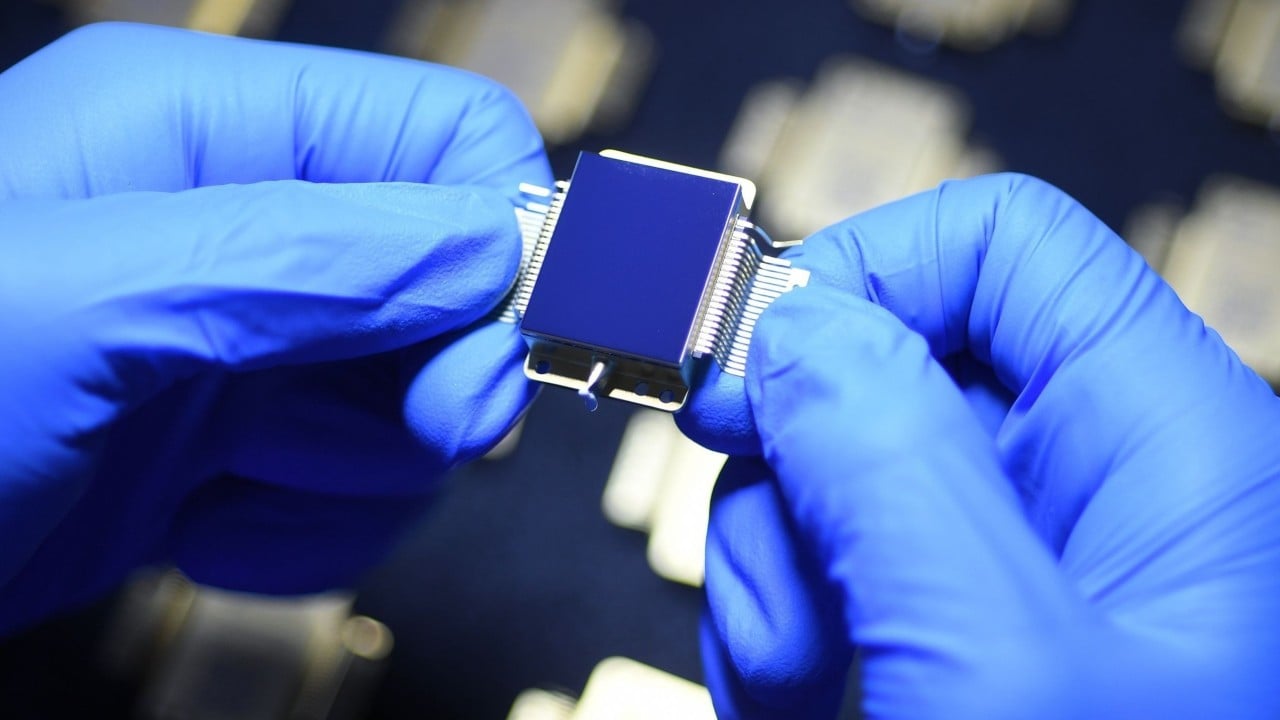
China cuts cost of military-grade infrared chips to as little as a few dozen USD
A research team at a Chinese university has developed a new way to make high-end infrared chips that could slash their cost dramatically and improve the performance of smartphone cameras and self-driving cars. The key breakthrough was finding a way to make the chips using conventional manufacturing techniques, rather than the exotic, costly materials that were relied on before. Mass production is set to begin by the end of the year, according to a press release from Xidian University. The chips...
![[llama.cpp] 3.1x Q8_0 speedup on Intel Arc GPUs - reorder optimization fix (PR submitted)](https://d2xsxph8kpxj0f.cloudfront.net/310419663032563854/konzwo8nGf8Z4uZsMefwMr/default-img-neural-network-P6fqXULWLNUwjuxqUZnB3T.webp)
[llama.cpp] 3.1x Q8_0 speedup on Intel Arc GPUs - reorder optimization fix (PR submitted)
TL;DR : Q8_0 quantization on Intel Xe2 (Battlemage/Arc B-series) GPUs was achieving only 21% of theoretical memory bandwidth. My AI Agent and I found the root cause and submitted a fix that brings it to 66% - a 3.1x speedup in token generation. The problem : On Intel Arc Pro B70, Q8_0 models ran at 4.88 t/s while Q4_K_M ran at 20.56 t/s; a 4x gap that shouldn't exist since Q8_0 only has 1.7x more data. After ruling out VRAM pressure, drivers, and backend issues, we traced it to the SYCL kernel dispatch path. Root cause : llama.cpp's SYCL backend has a "reorder" optimization that separates quantization scale factors from weight data for coalesced GPU memory access. This was implemented for Q4_0, Q4_K, and Q6_K - but Q8_0 was never added. Q8_0's 34-byte blocks (not power-of-2) make the non-r

Got Gemma 4 running locally on CUDA, both float and GGUF quantized, with benchmarks
Spent the last week getting Gemma 4 working on CUDA with both full-precision (BF16) and GGUF quantized inference. Here's a video of it running. Sharing some findings because this model has some quirks that aren't obvious. Performance (Gemma4 E2B, RTX 3090): | Config | BF16 Float | Q4_K_M GGUF | |-------------------------|------------|-------------| | short gen (p=1, g=32) | 110 tok/s | 170 tok/s | | long gen (p=512, g=128) | 72 tok/s | 93 tok/s | The precision trap nobody warns you about Honestly making it work was harder than I though. Gemma 4 uses attention_scale=1.0 (QK-norm instead of the usual 1/sqrt(d_k) scaling). This makes it roughly 22x more sensitive to precision errors than standard transformers. Things that work fine on LLaMA or Qwen will silently produce garbage on Gemma 4: F1
Knowledge Map
Connected Articles — Knowledge Graph
This article is connected to other articles through shared AI topics and tags.
More in Models

Got Gemma 4 running locally on CUDA, both float and GGUF quantized, with benchmarks
Spent the last week getting Gemma 4 working on CUDA with both full-precision (BF16) and GGUF quantized inference. Here's a video of it running. Sharing some findings because this model has some quirks that aren't obvious. Performance (Gemma4 E2B, RTX 3090): | Config | BF16 Float | Q4_K_M GGUF | |-------------------------|------------|-------------| | short gen (p=1, g=32) | 110 tok/s | 170 tok/s | | long gen (p=512, g=128) | 72 tok/s | 93 tok/s | The precision trap nobody warns you about Honestly making it work was harder than I though. Gemma 4 uses attention_scale=1.0 (QK-norm instead of the usual 1/sqrt(d_k) scaling). This makes it roughly 22x more sensitive to precision errors than standard transformers. Things that work fine on LLaMA or Qwen will silently produce garbage on Gemma 4: F1

Gemma-4 E4B model's vision seems to be surprisingly poor
The E4B model is performing very poorly in my tests and since no one seems to be talking about it that I had to unlurk myself and post this. Its performing badly even compared to qwen3.5-4b. Can someone confirm or dis...uh...firm (?) My test suite has roughly 100 vision related tasks: single-turn with no tools, only an input image and prompt, but with definitive answers (not all of them are VQA though). Most of these tasks are upstream from any kind of agentic use case. To give a sense: there are tests where the inputs are screenshots from which certain text information has to be extracted, others are images on which the model has to perform some inference (for example: geoguessing on travel images, calculating total cost of a grocery list given an image of the relevant supermarket display
Discussion
Sign in to join the discussion
No comments yet — be the first to share your thoughts!